View estimate-change text

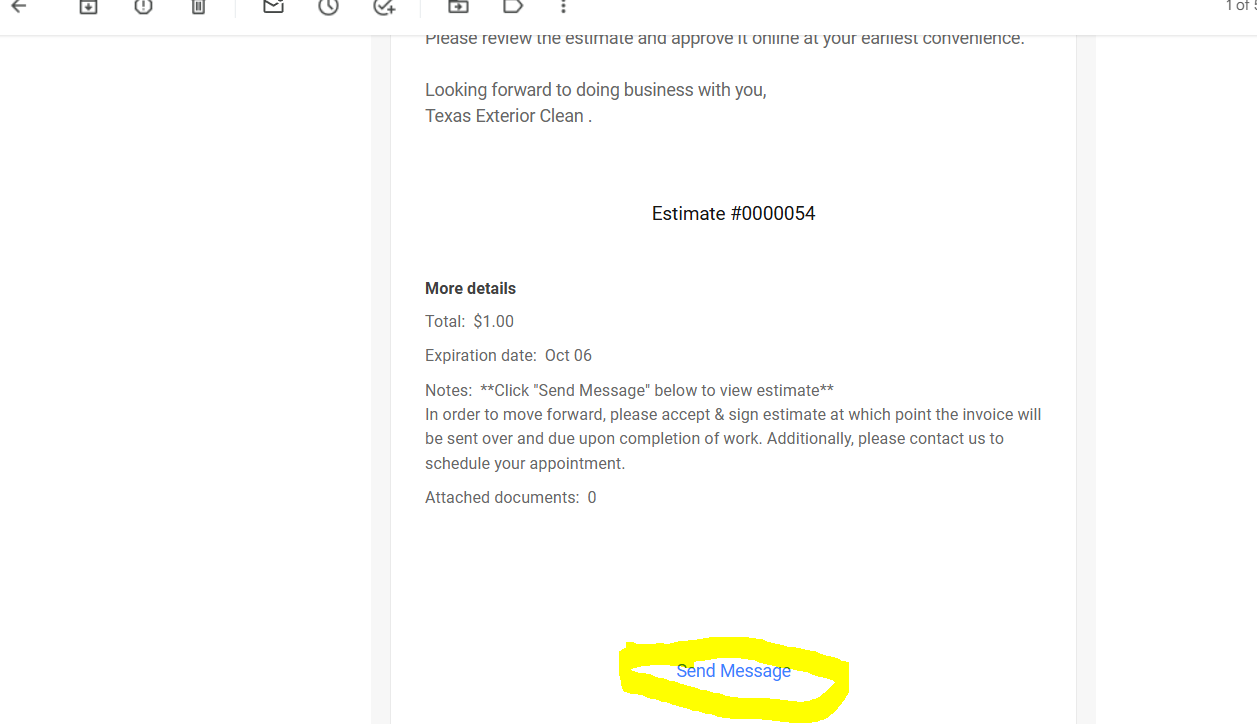
When i send estimates to my clients, they are confused on where to click to view the estimate. Is it possible to change "send message" to "view estimate" or even attach the estimate when its emailed over?
-
Thanks for bringing this to our attention Blake! In fact, there is a View Estimate button that should be appearing there along with "Send Message."
However, yours is not appearing due to an invalid hex code on your brand color. In Thryv Business Center, navigate to Settings, then Business Info, under Brand Color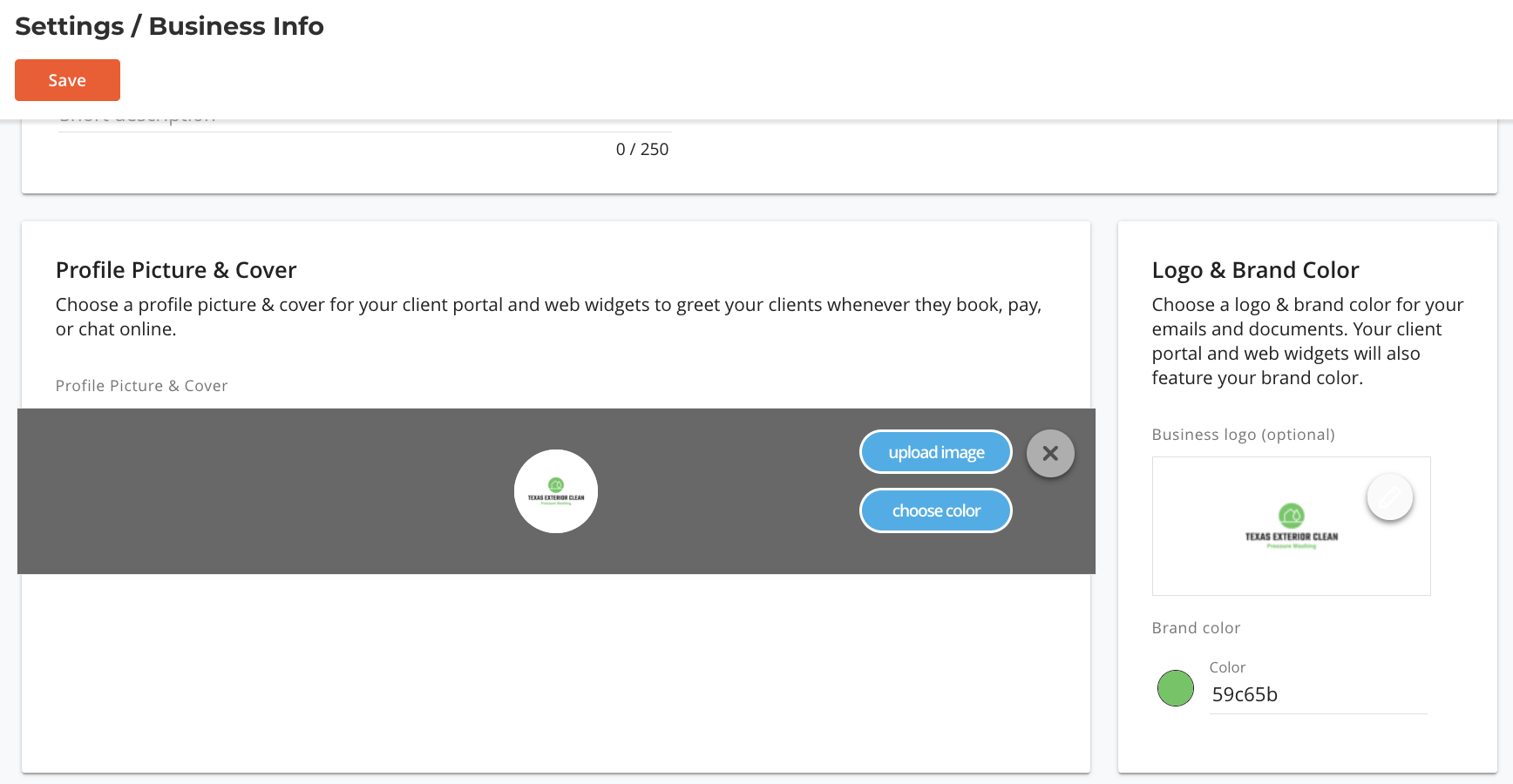
See where the # is missing on the hex code. This is causing the code for the email template to miss the color and not display the button. We've taken the liberty of adding the # to the code to fix this for you. On future estimates the view estimate button should appear as normal. Thanks again for bringing this up so we can address for you! If you run into anything else, let us know in a comment
0

Please sign in to leave a comment.
Comments
1 comment