Help Setting Up Google Ads Conversion Tracking

Hi, I’m running Google Ads for my business (Ross Moving) and I need help setting up proper conversion tracking in Thryv. Here’s what I need:
- Form Tracking – I want Google Ads to count a conversion when someone fills out my Thryv booking/contact form. Please add the Google Ads Conversion ID and Label to the form or provide instructions where it should be placed.
- Call Tracking – I want to track calls that come from Google Ads (both click-to-call from mobile and calls to my business number from the site). Please confirm if Thryv can provide a call tracking number that integrates with Google Ads.
- Confirmation Pixel – If my form redirects to a thank-you page, I need the Google Ads conversion tag/pixel added there. If not, I need the best alternative Thryv solution so Google Ads records the form submission.
I want to make sure Google Ads shows me exactly which clicks are turning into leads and booked jobs. Please advise or help set this up.
Thank you,
Chris Ross
Ross Moving
0
-
Hey there Christopher! This is an awesome use case for getting the most out of Thryv
Numbers 1 and 3 are solved by the Google Analytics integration in the App Market. In the window that appears, you can enter your Google Tracking information and it will apply to your entire client portal, business page and forms.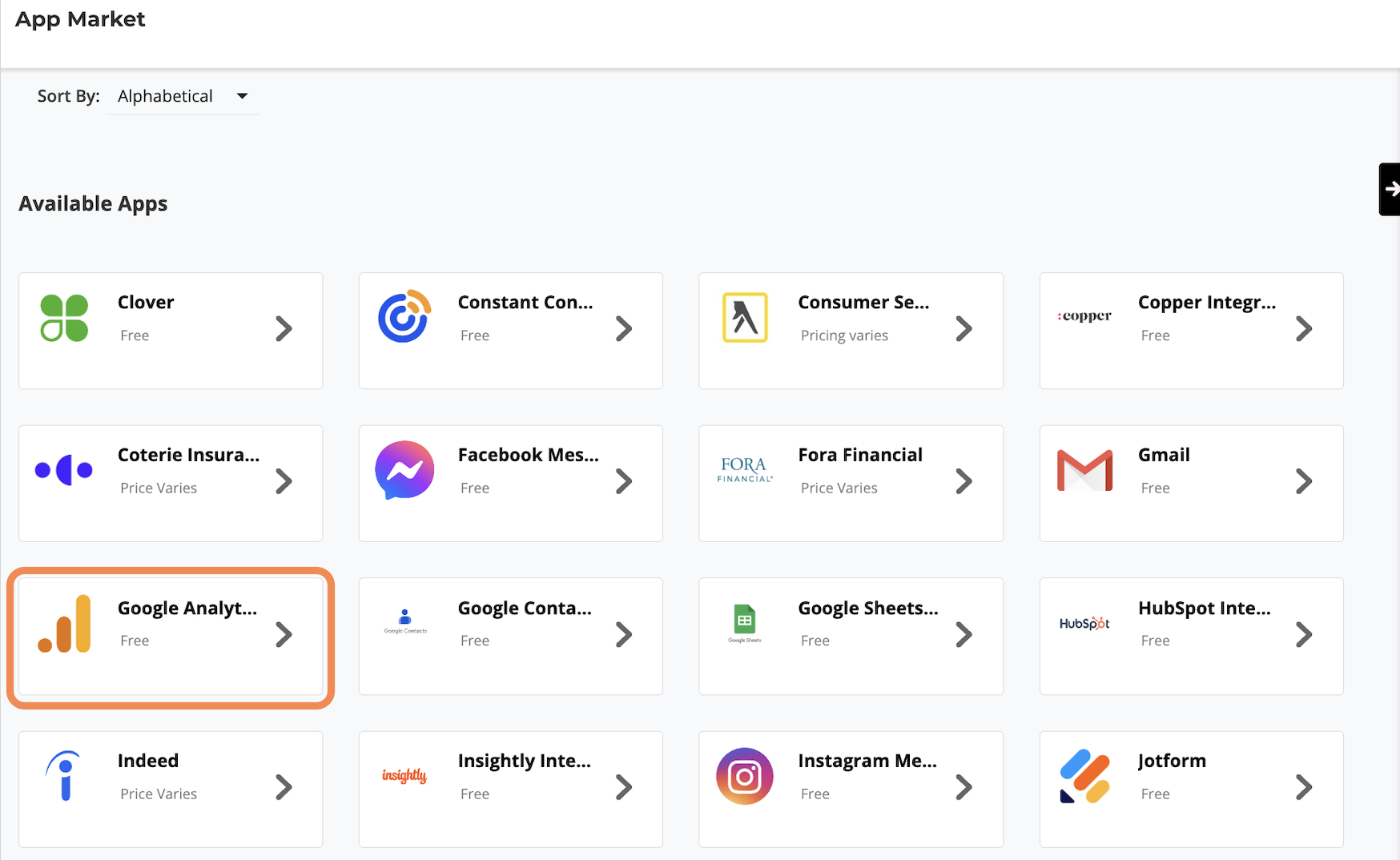
Number 2 is not solved in Thryv Business Center, but in a different product, Thryv Marketing Center. You can read more about this here.
Thanks again and let us know if you have more questions!
0

Please sign in to leave a comment.
Comments
1 comment