Access to full dashboard and billing etc

I can only see my main dashboard and cannot see any billing, payments or any other information pertaining to my account
0
-
Thanks for reaching out Joe! From your Marketing Center dashboard, click on the navigation icon in the top left, and then select Command Center
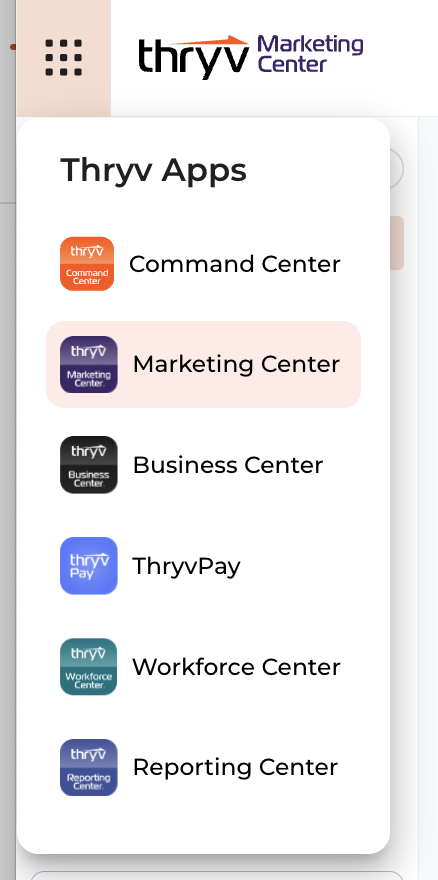
Then, click on Settings, where you should have access to payment methods and billing history. If this does not match your experience, can you respond with a screenshot of what you are seeing?
0

Please sign in to leave a comment.
Comments
1 comment