How can i add a add a VIN number line to the receipts I send my customers?

I need to add a line to my receipts where I can put the customers VIN number so they can get reimbursed by their insurance company
-
Great question Kenneth! This is currently only possible when the payment is processed through an Invoice.
First, you'll need to make sure that VIN number is a field created on your client cards. This is done under Settings,then Client and Contact Info. Click Here for a guide to this process.Then, you'll need to make sure this field appears under Client Information on your invoices. To do this, navigate to Settings,then Billing & Invoicing.
Scroll down to Client Information and add the field here.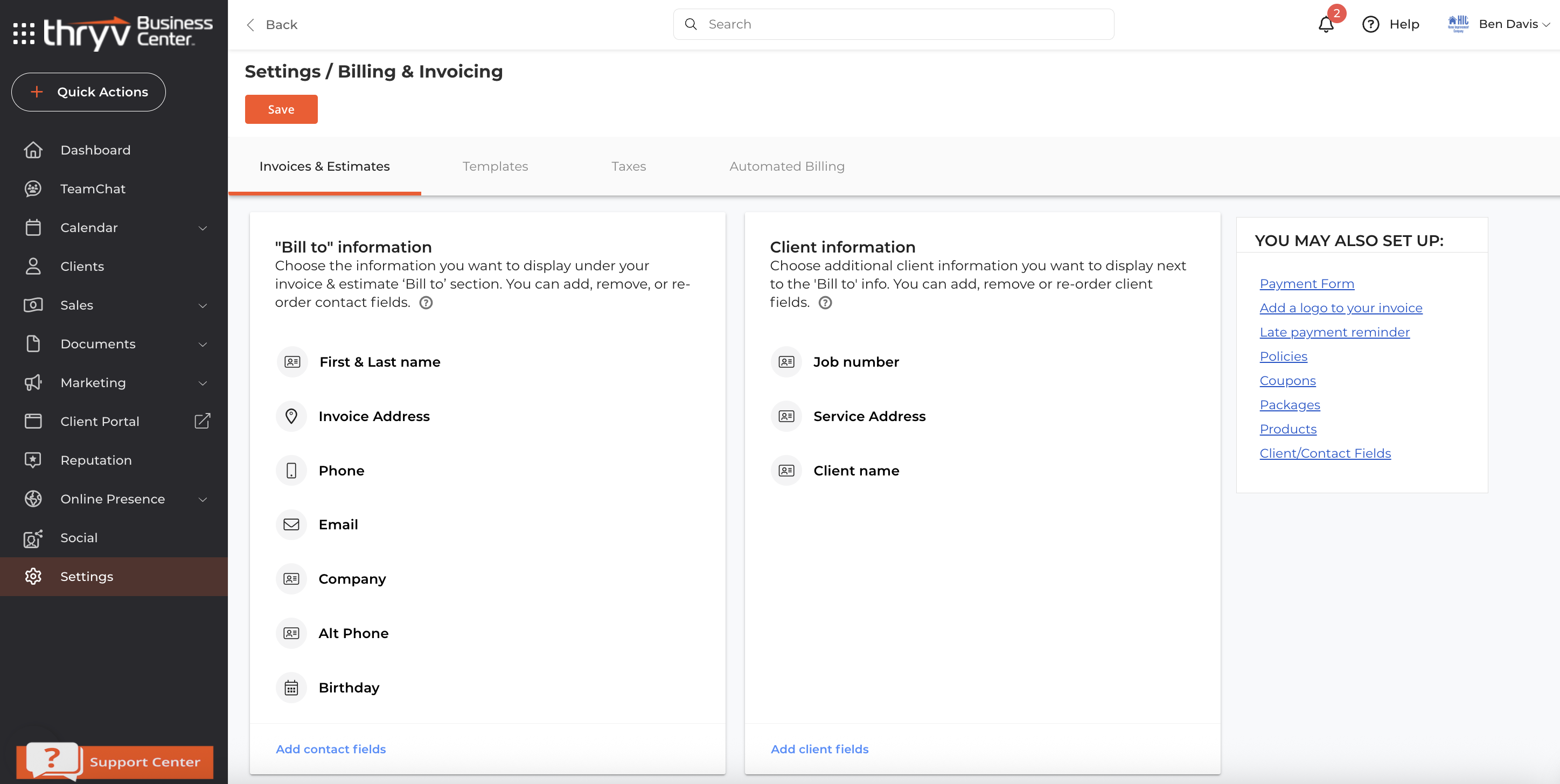
Thanks again for your question. If you run into anything else, let us know in a comment!
0

Please sign in to leave a comment.
Comments
1 comment