Website

Need to edit pictures and fix the incorrect email
1
-
Hey there Kristen! To make changes to your website in Thryv Business Center, click on Online Presence, then Websites.
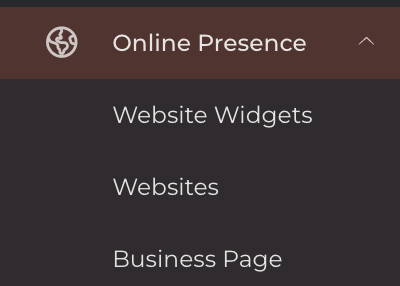
Then, in the window that appears, select your website from the list. (Most users just have one, but it's possible to have more).

Then, click on an image to open the editor. From here you can upload a new image to replace, or use one from your library.
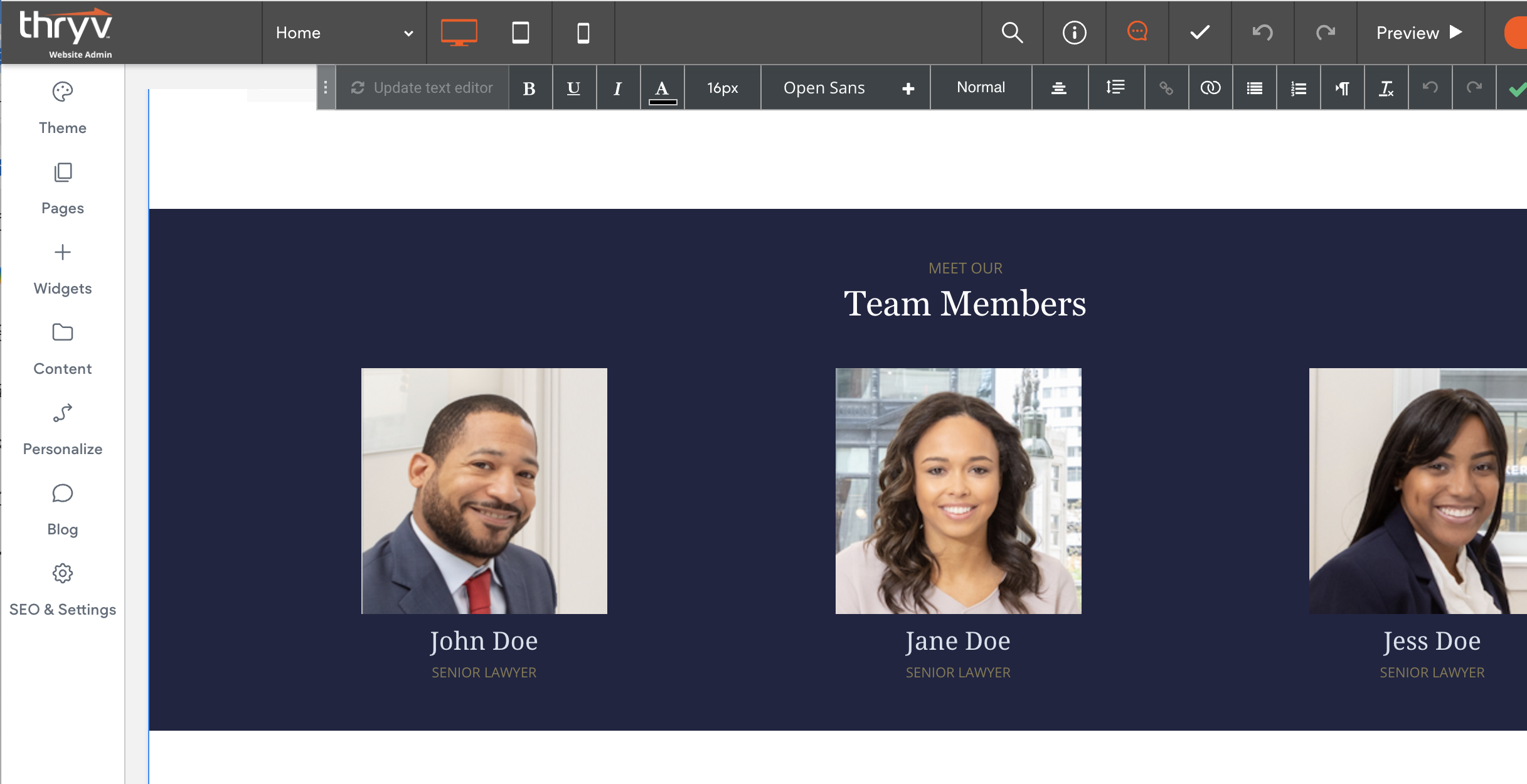
Similarly, click on text (including the email address) to edit.
Thanks again, and if you run into anything else, let us know in a comment!0

Please sign in to leave a comment.
Comments
1 comment