
Adding a Keap public form to your Facebook Business Page lets you capture every lead directly from your page and send them straight into your Keap app. This ensures no inquiries are missed and allows you to follow up automatically, assign tasks to your team, and more.
Keap
1. Locate and click the Marketing tab
2. Click Forms
3. Click the Create form button
4. Select Public
5. Choose any template from the dropdown
6. Click the Start building your form button
7. To build your Public form, add fields for the information you want to capture from leads (like name, email, or phone), and customize the design and style to fit your brand.
8. When on the Publish step, select the Copy link button
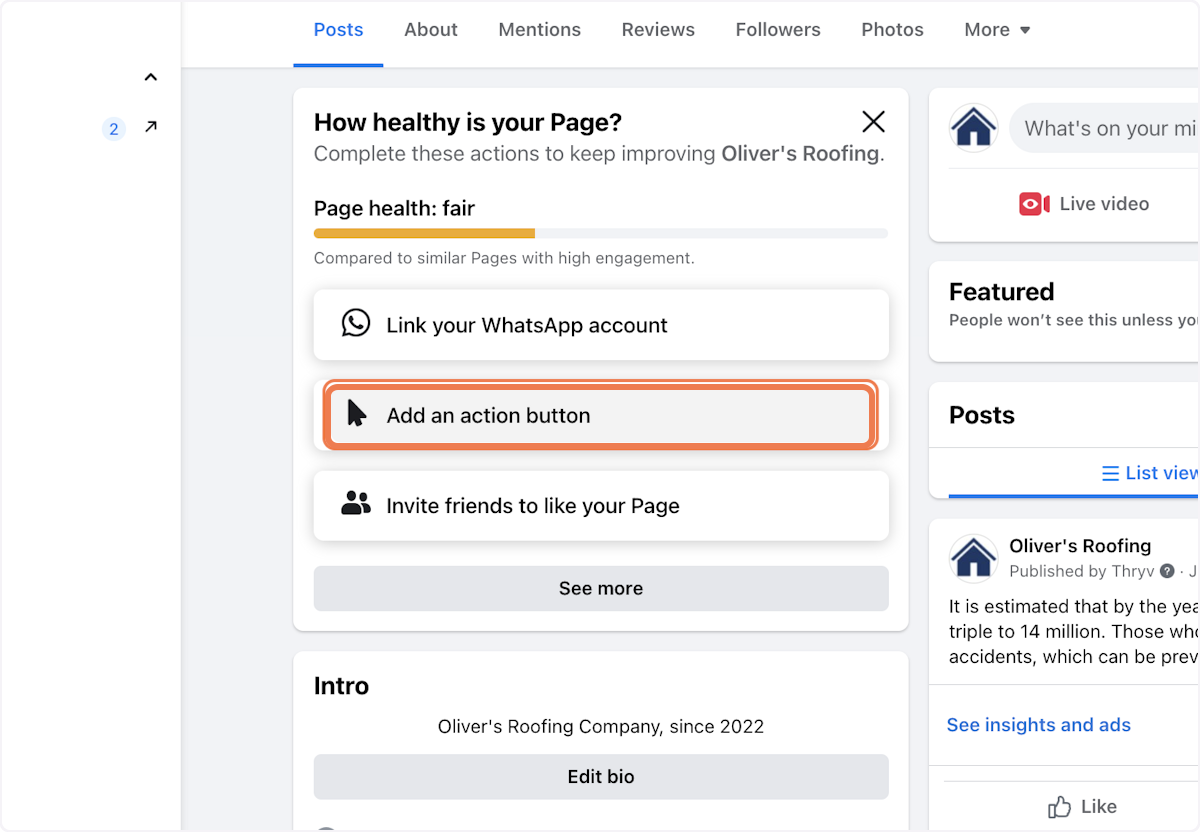
9. On your Business Page, Click on Add an action button
10. Click on Contact Us

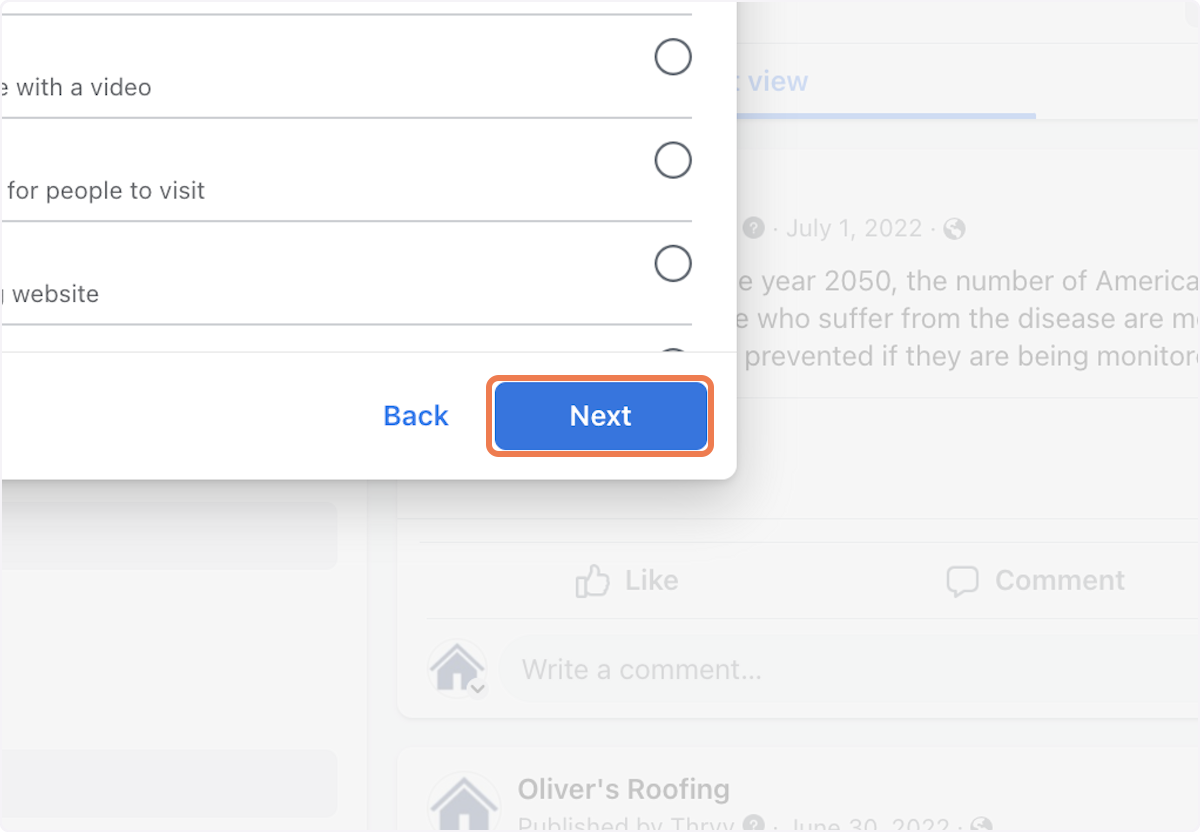
11. Click on Next
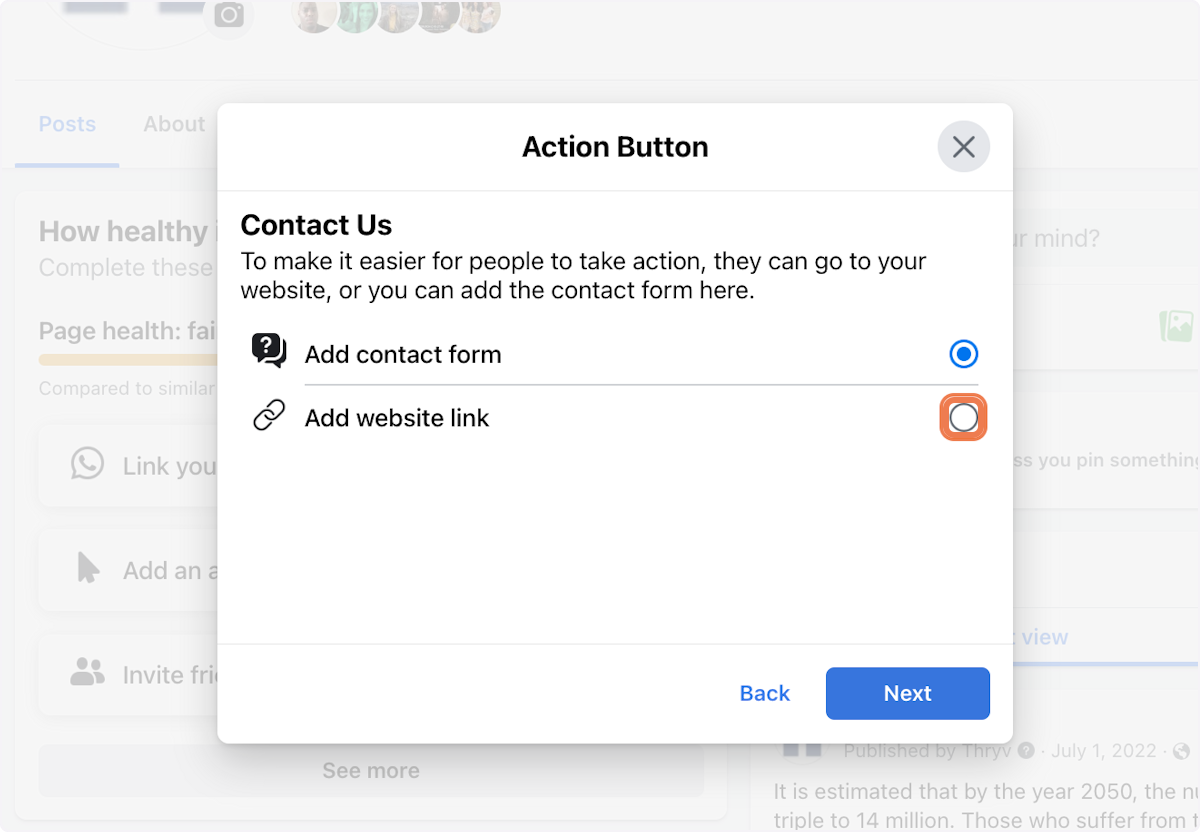
12. Click on Add website link
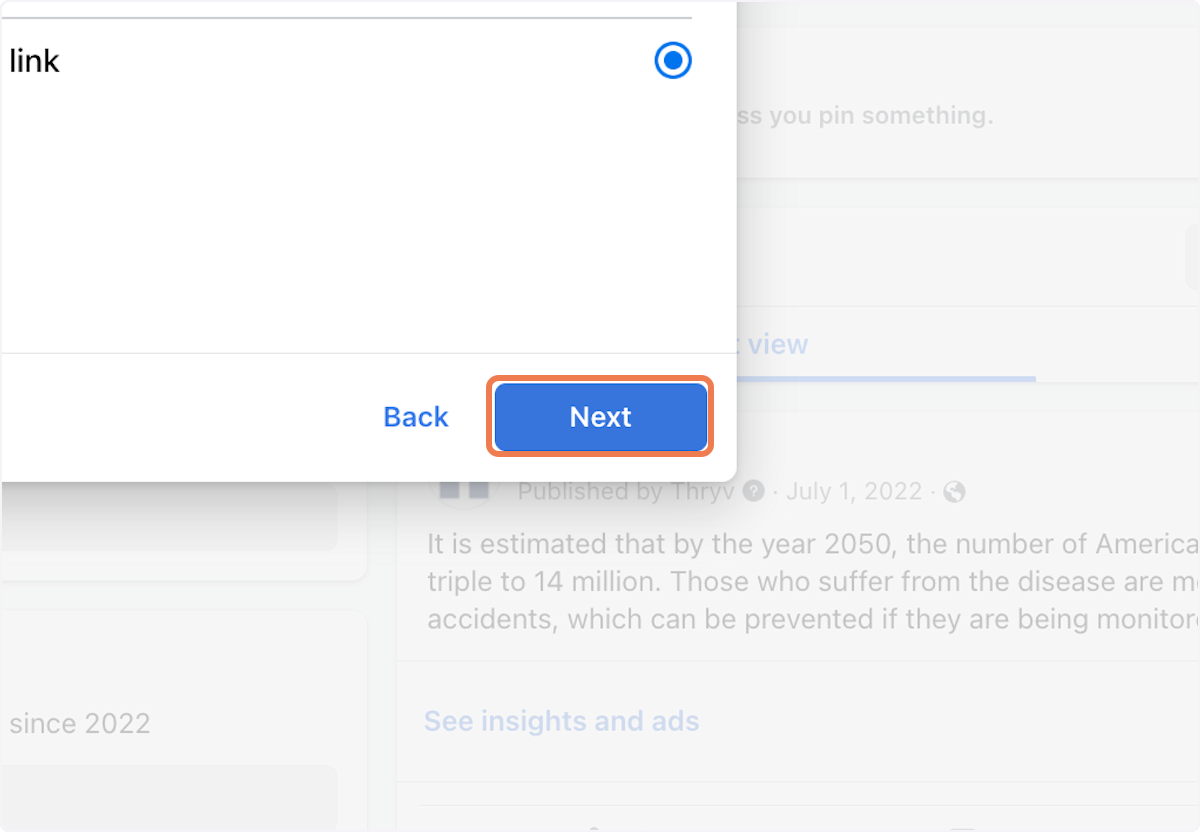
13. Click on Next
14. Paste the link copied from Keap
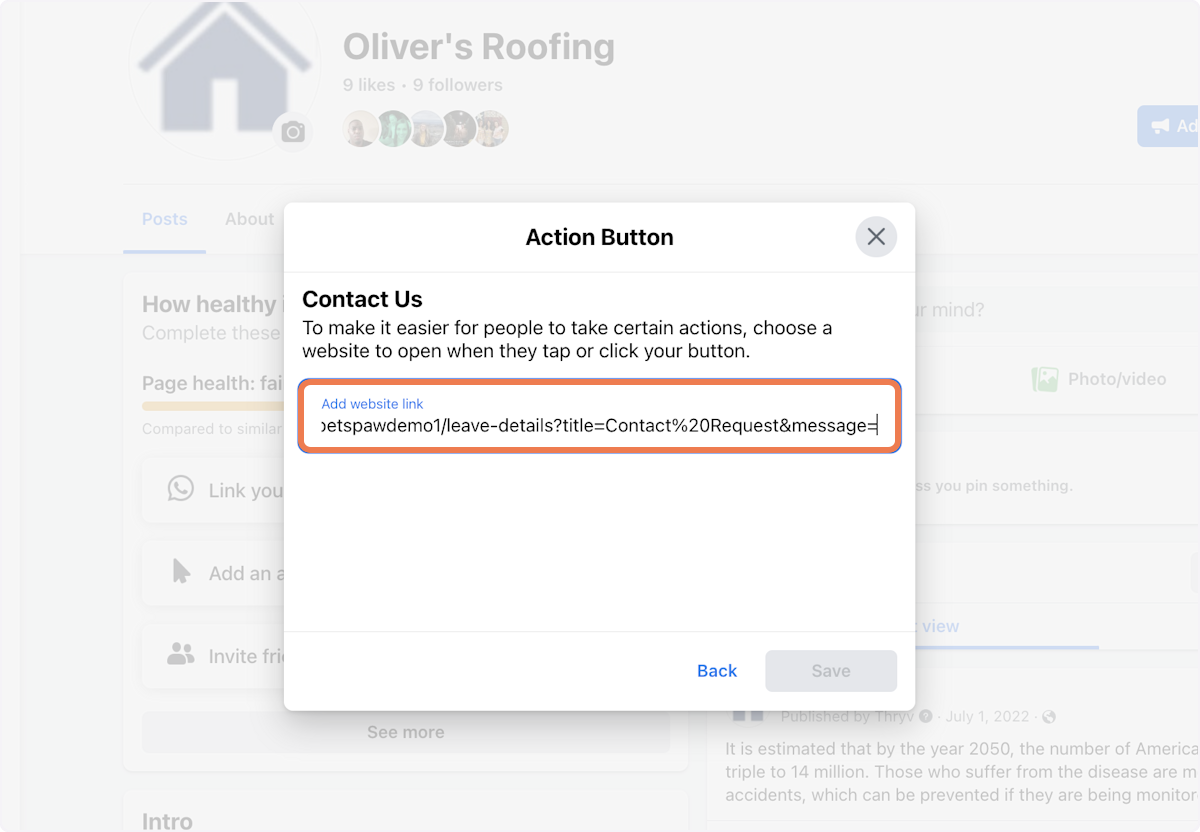
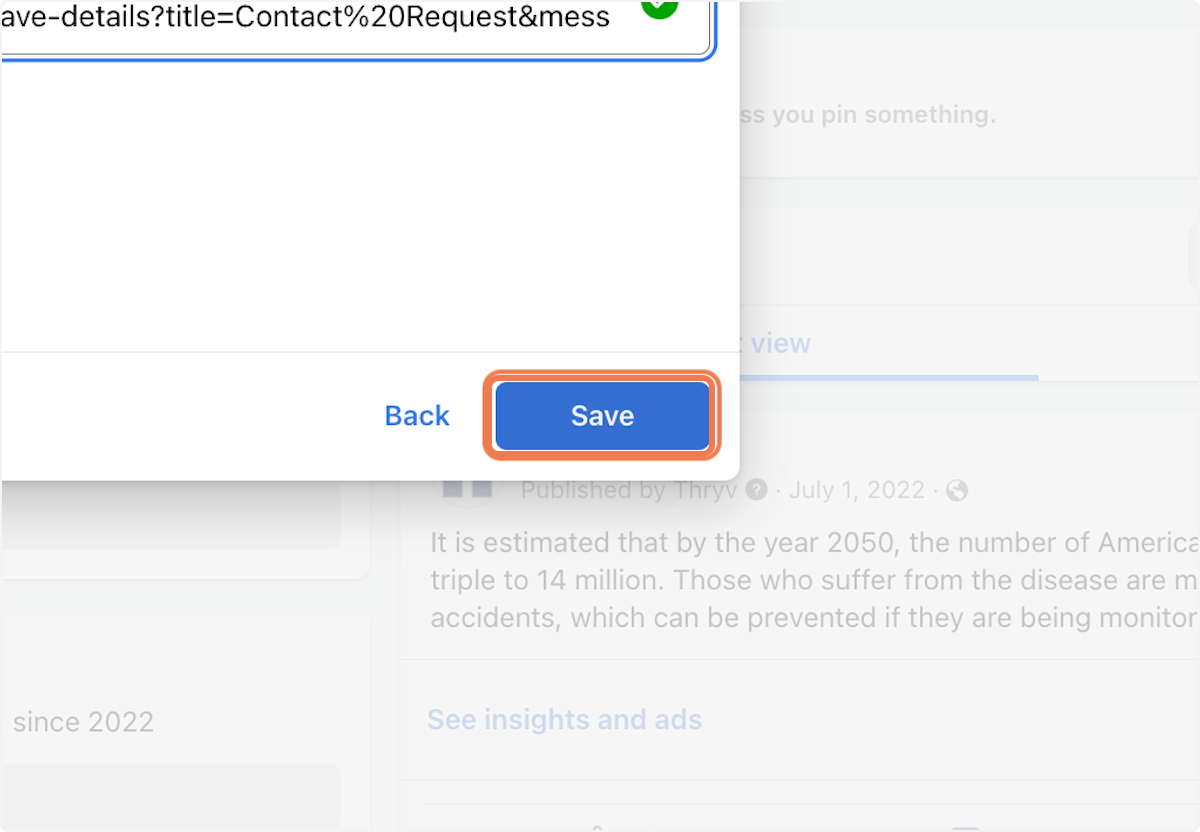
15. Click on Save. Your Keap Public form is now integrated with your Facebook page
Comments
0 comments