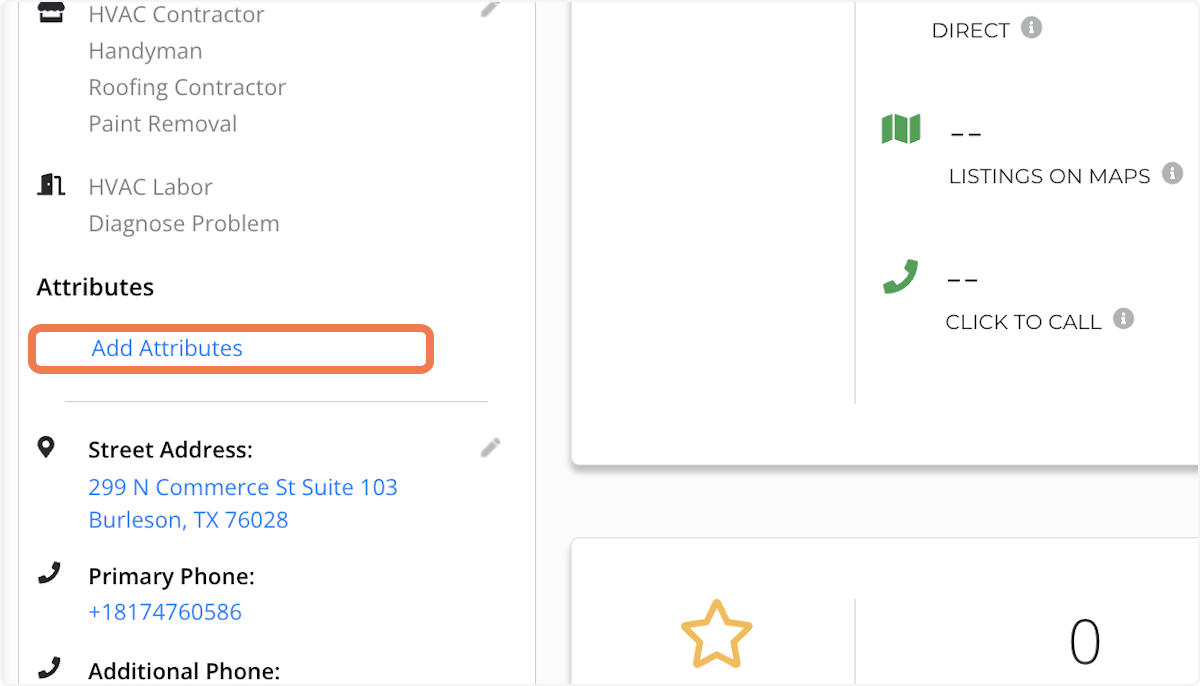
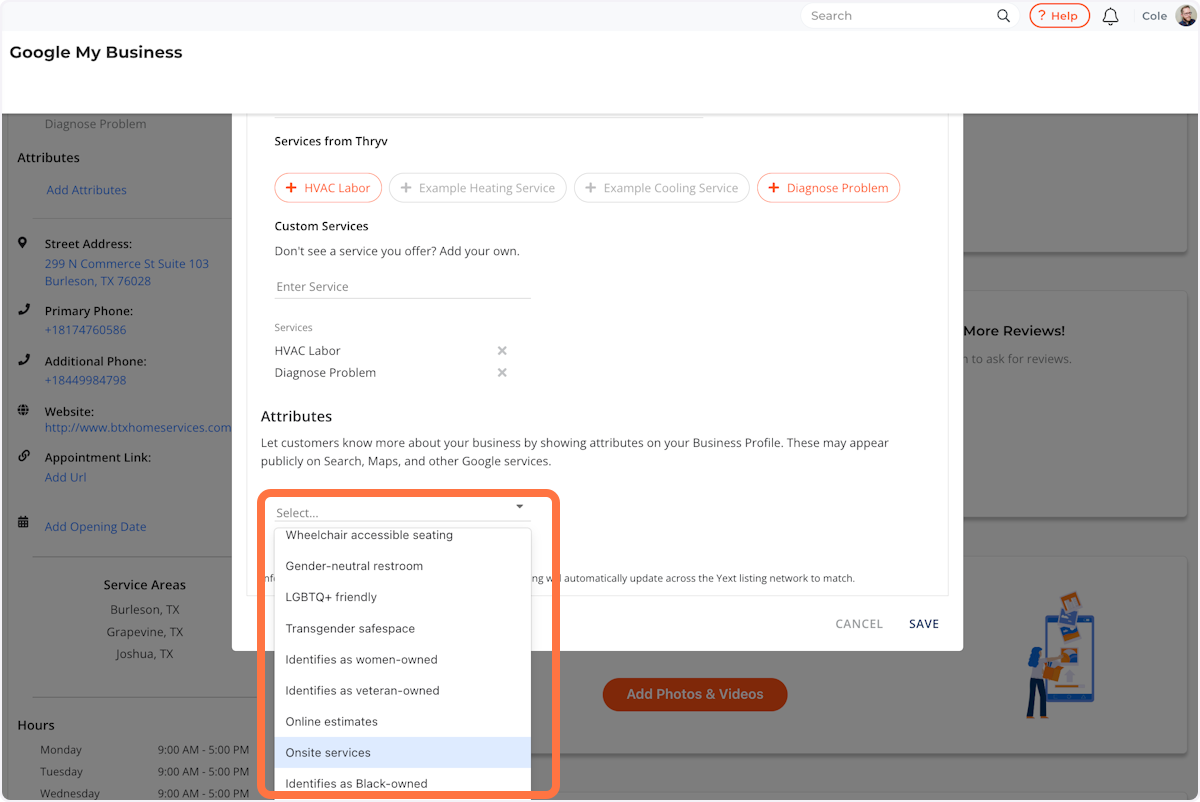
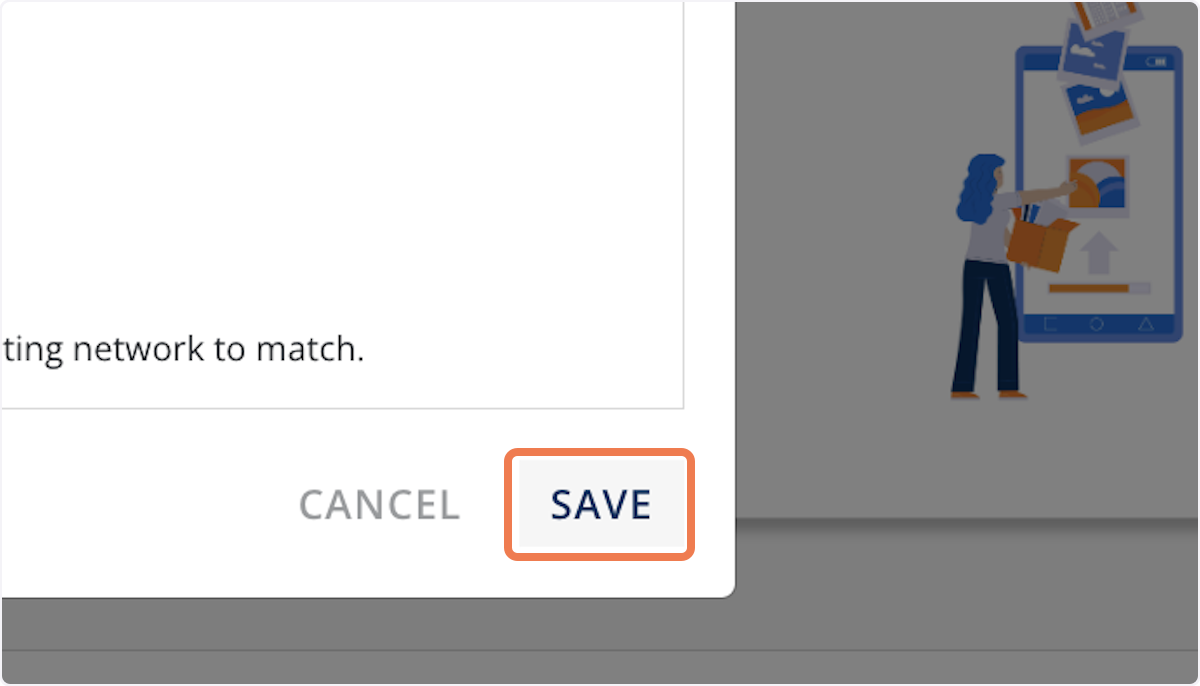
You appear to be not logged in so your learning paths progress may not be saved. How To Add Attributes to Your Google Business Profile Product Success Team October 02, 2025 14:25 Updated 1. Listings Management 2. Click on Google Profile 3. Click on Add Attributes 4. Choose one or more attributes from the list 5. Click on SAVE Related articles How To Add Photos to your Google Business Profile Best practices for increasing the rank of your Google Business Profile ThryvPay Mobile App How To Update Your Google Profile Picture & Cover Photo Growth Packages in Australia and New Zealand Comments 0 comments

Comments
0 comments