
1. Click on Marketing
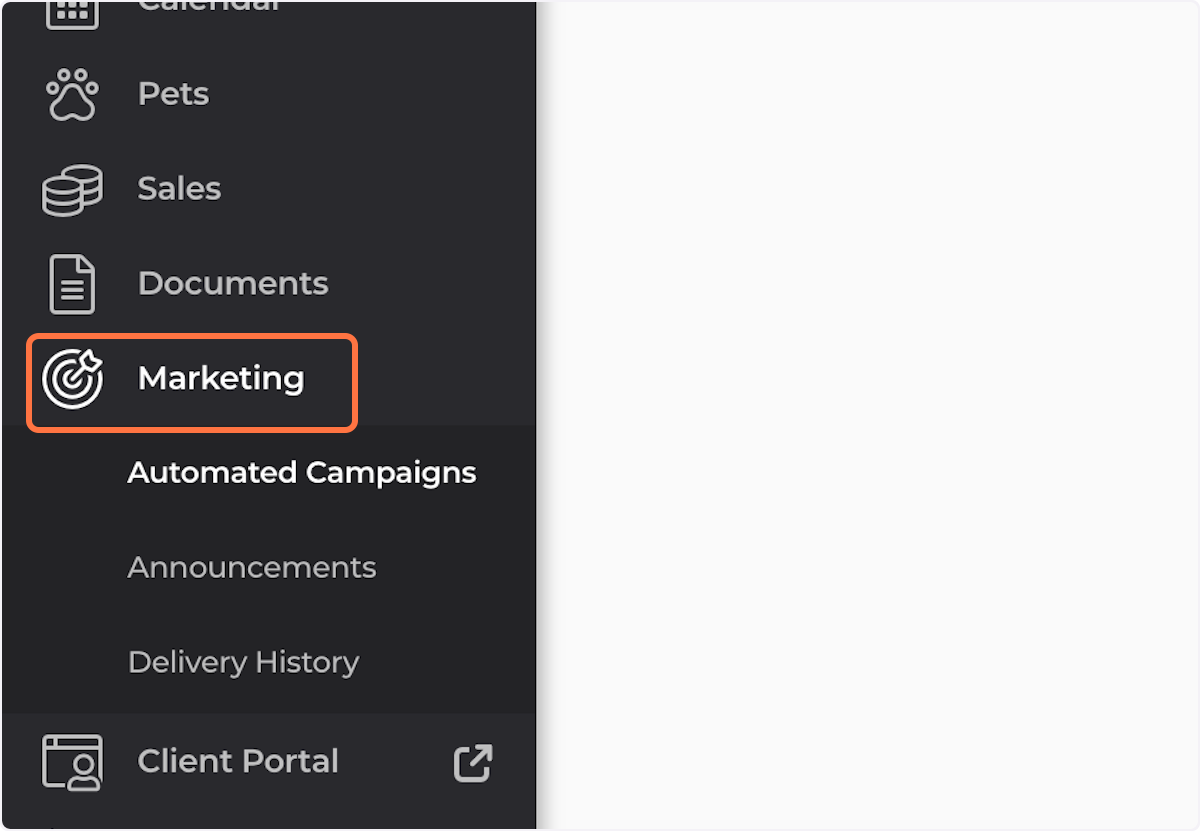
2. Click on Announcements

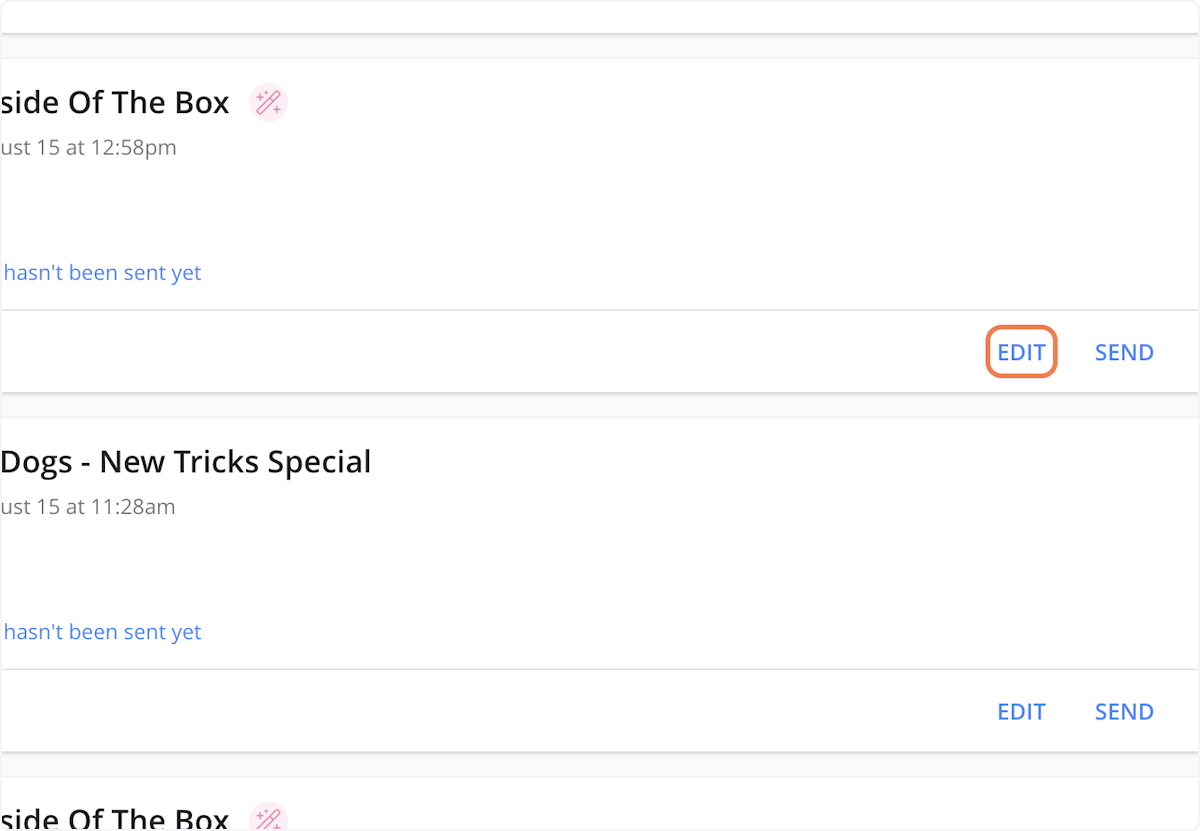
3. Locate the campaign to which you wish to add your GIF/Sticker, and click on Edit
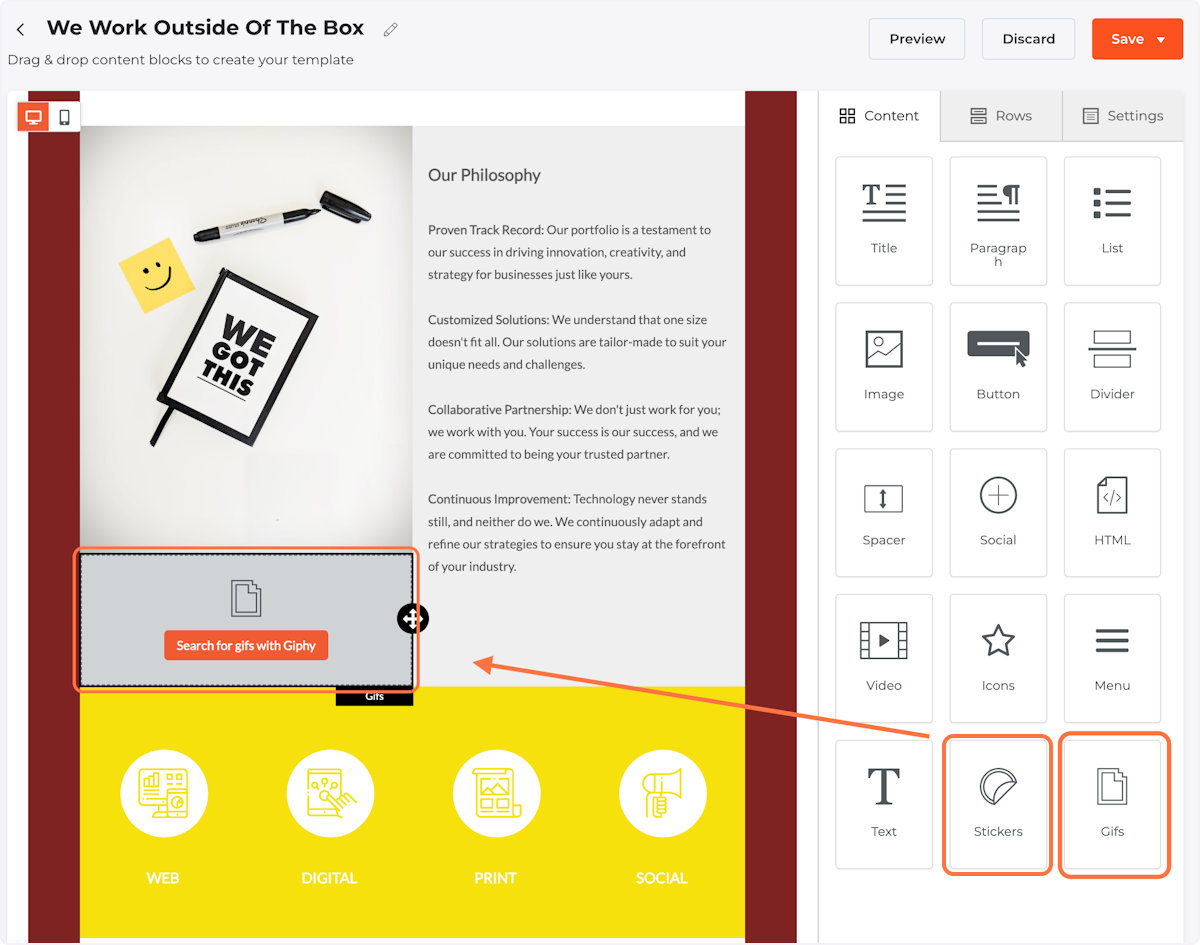
4. Click on the icon for GIFs or Stickers, and drag to the desired Column in your Campaign
5. Click on Search for gifs with Giphy
6. Use the search bar to search for your desired GIF/Sticker
7. Click on the GIF/sticker you would like to use
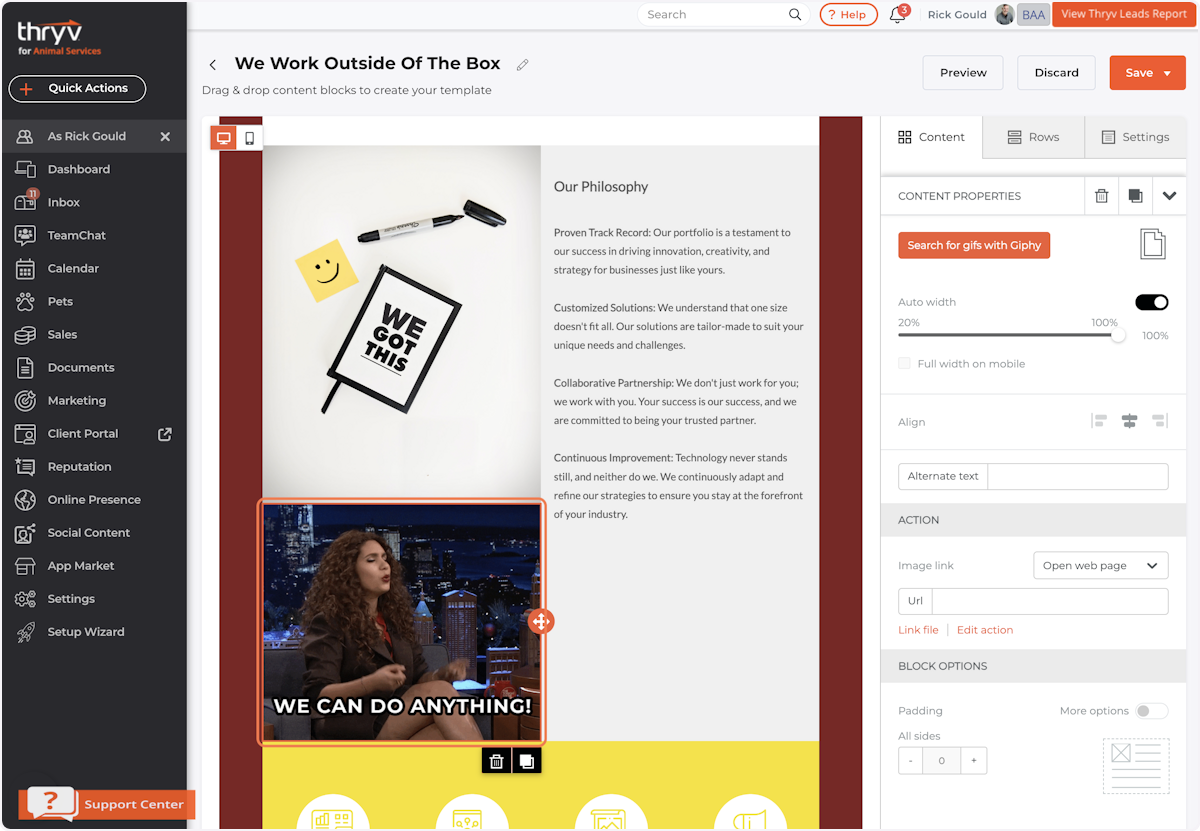
8. Your GIF/sticker will appear in the selected column
Don't see your question here? Post it in our Support Forum. Log in with your Thryv credentials to submit your question and receive a response from our Product Team.
Comments
0 comments