
This feature is included in select Thryv Business Center accounts. If you don't see it in your product, please contact our team to explore your options.
# Thryv Business Center
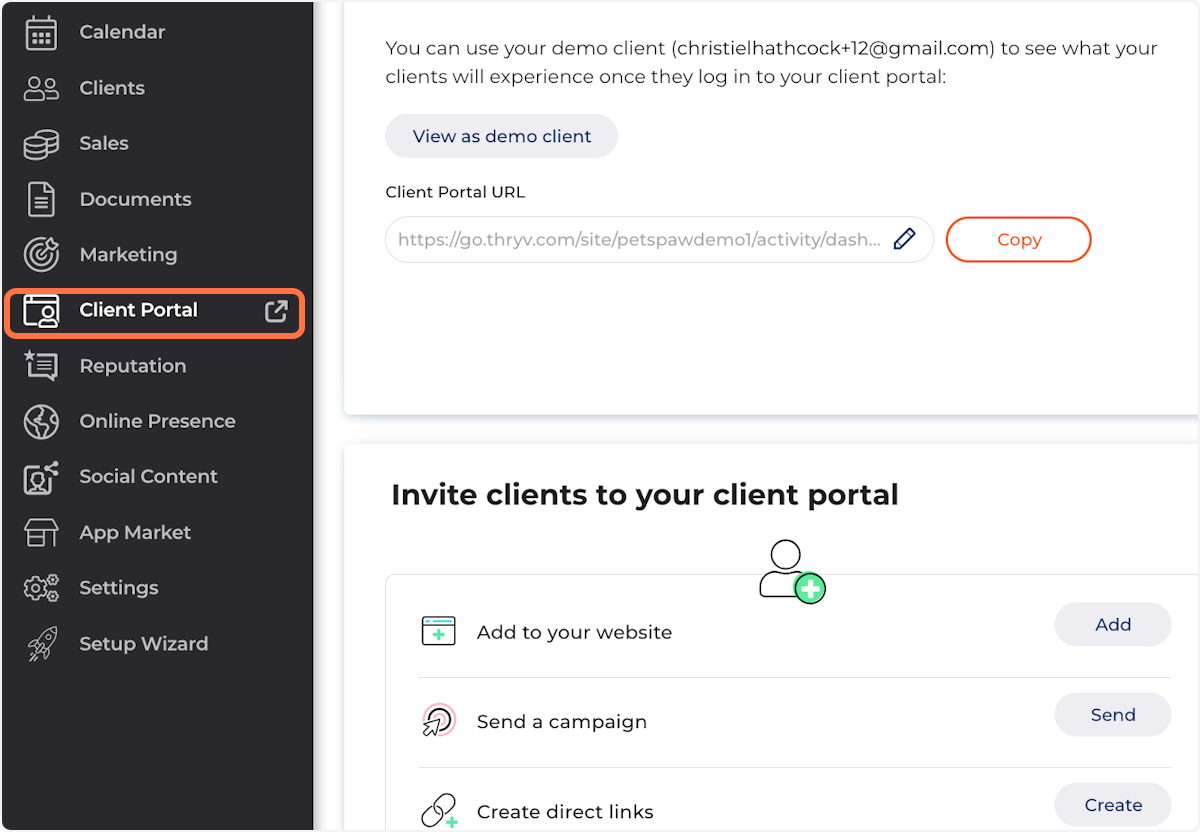
1. Click on Client Portal
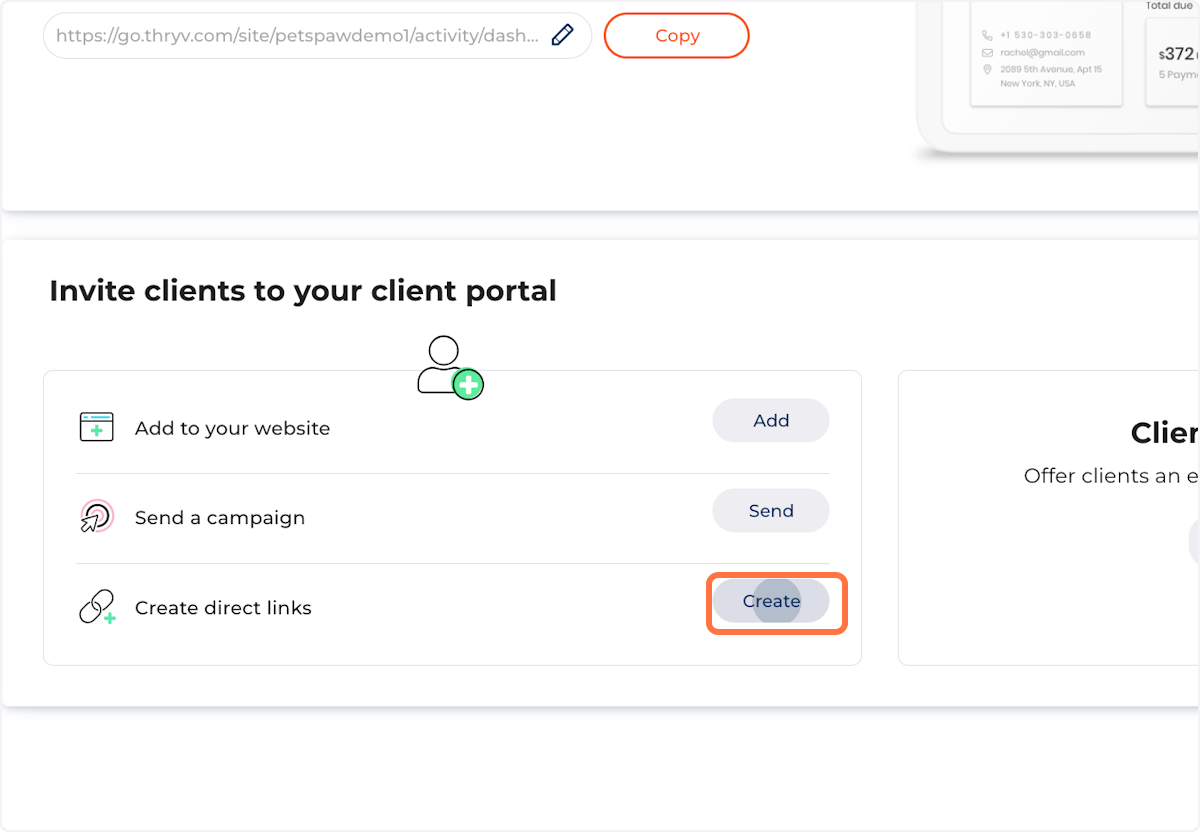
2. Locate Create Direct Links and click on Create
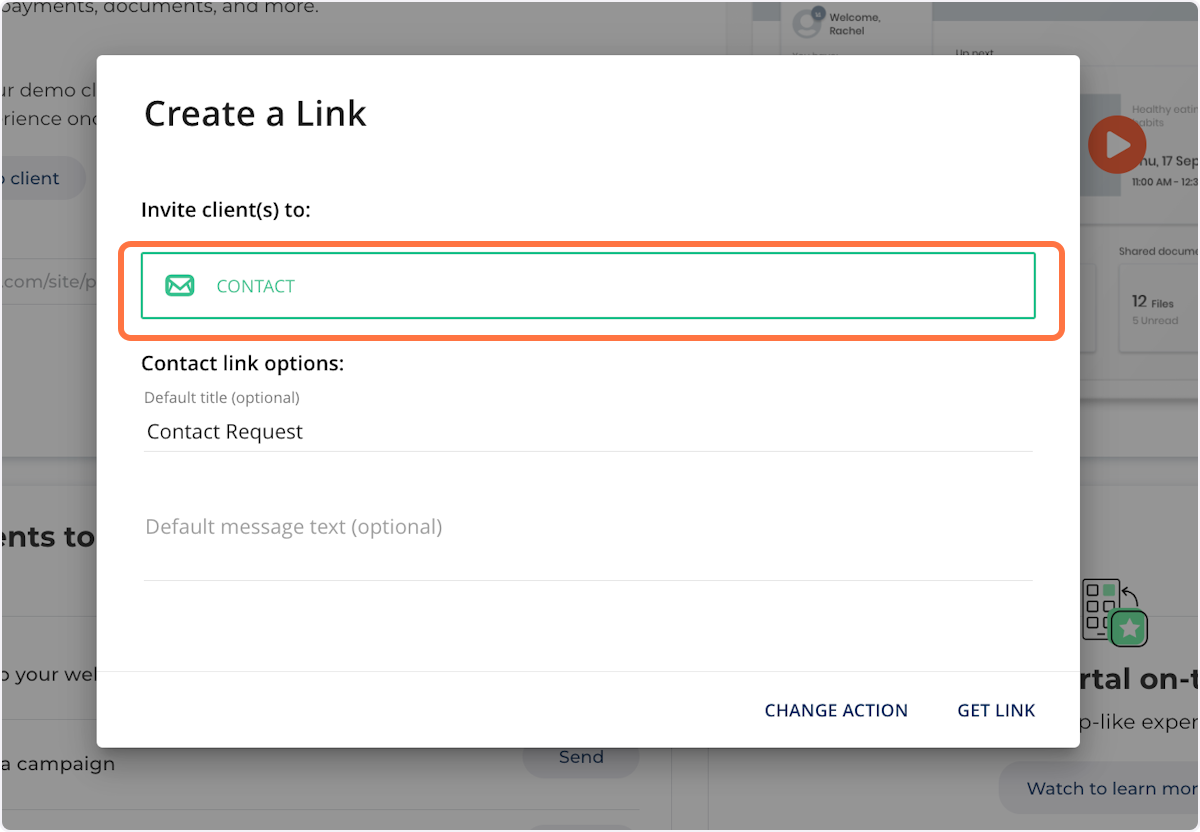
3. Select Contact from the drop-down
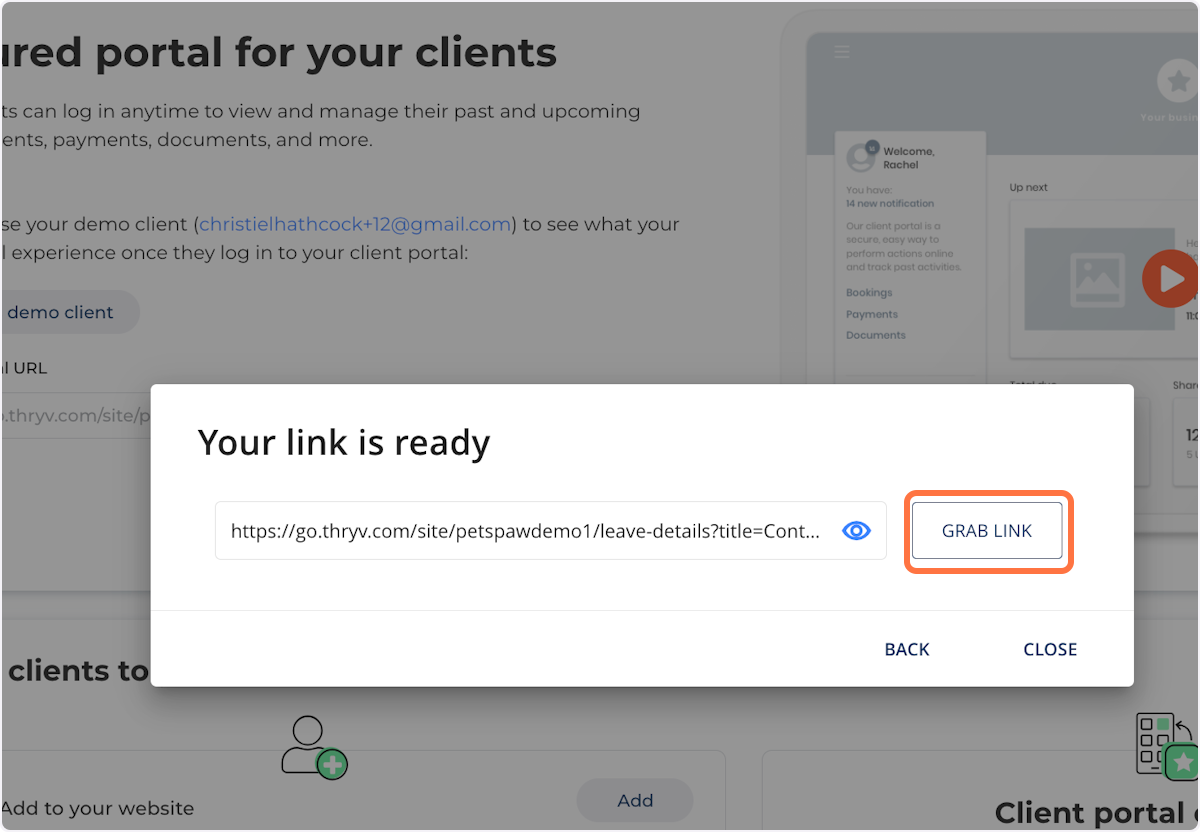
4. Click on Grab Link
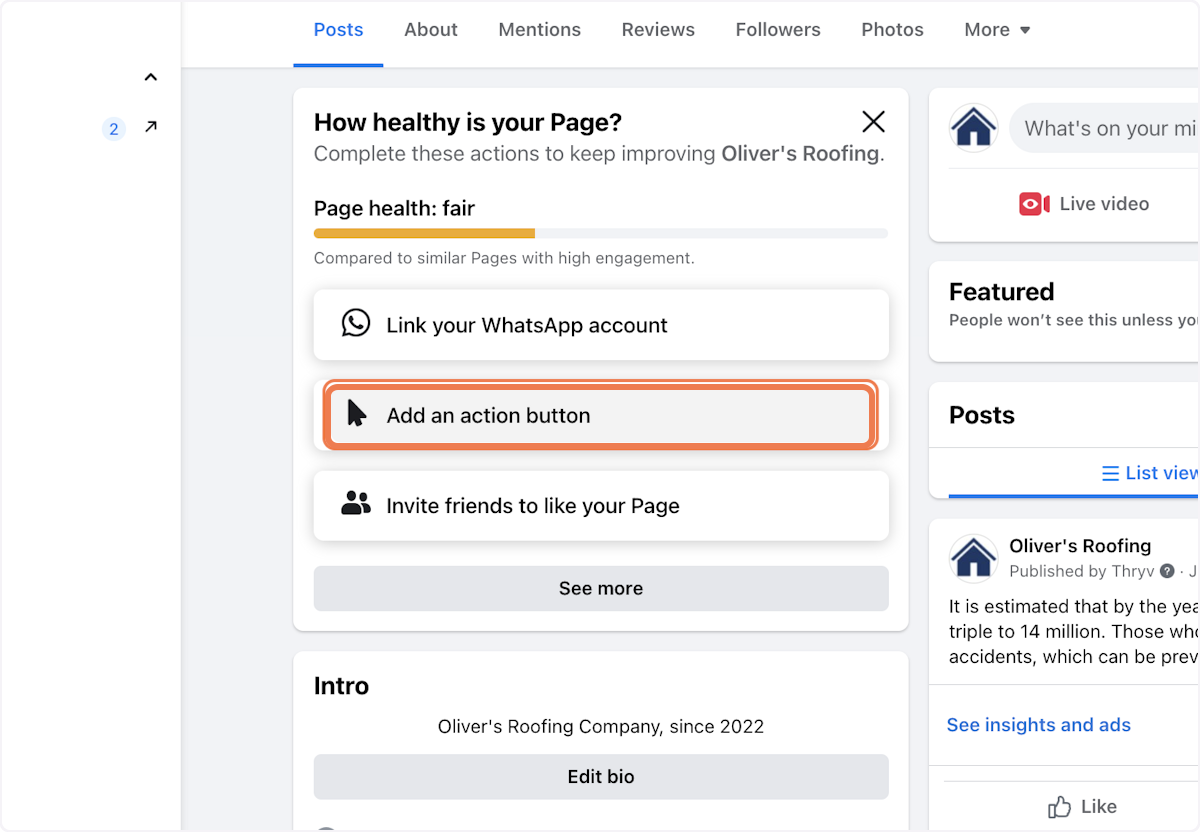
5. On your Business Page, Click on Add an action button
6. Click on Contact Us…

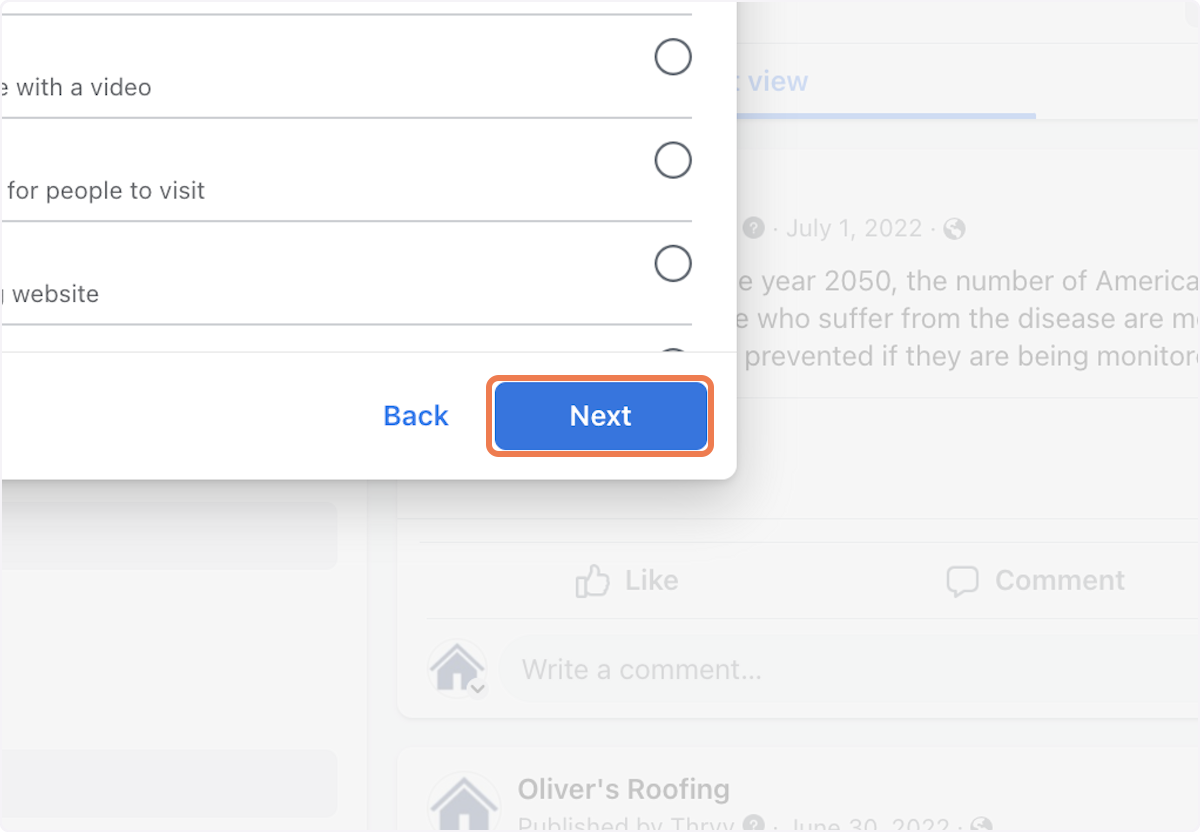
7. Click on Next
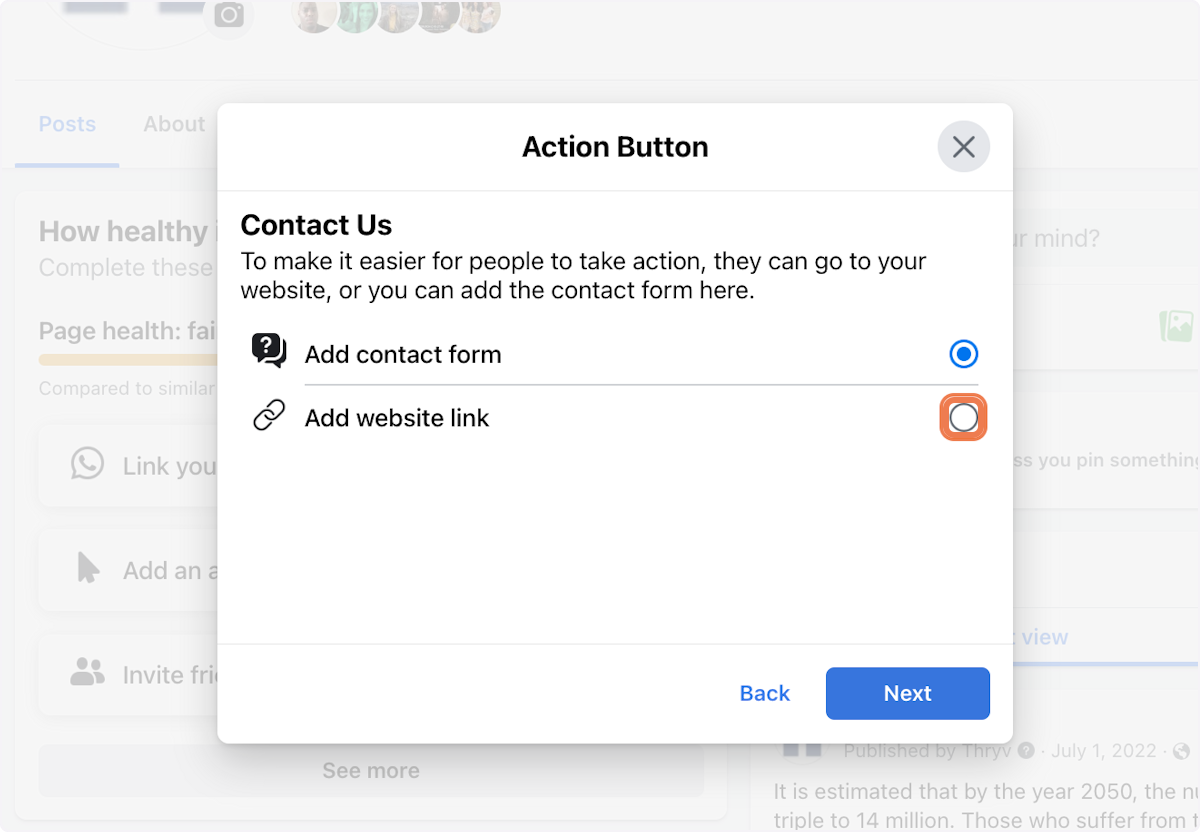
8. Click on Add website link
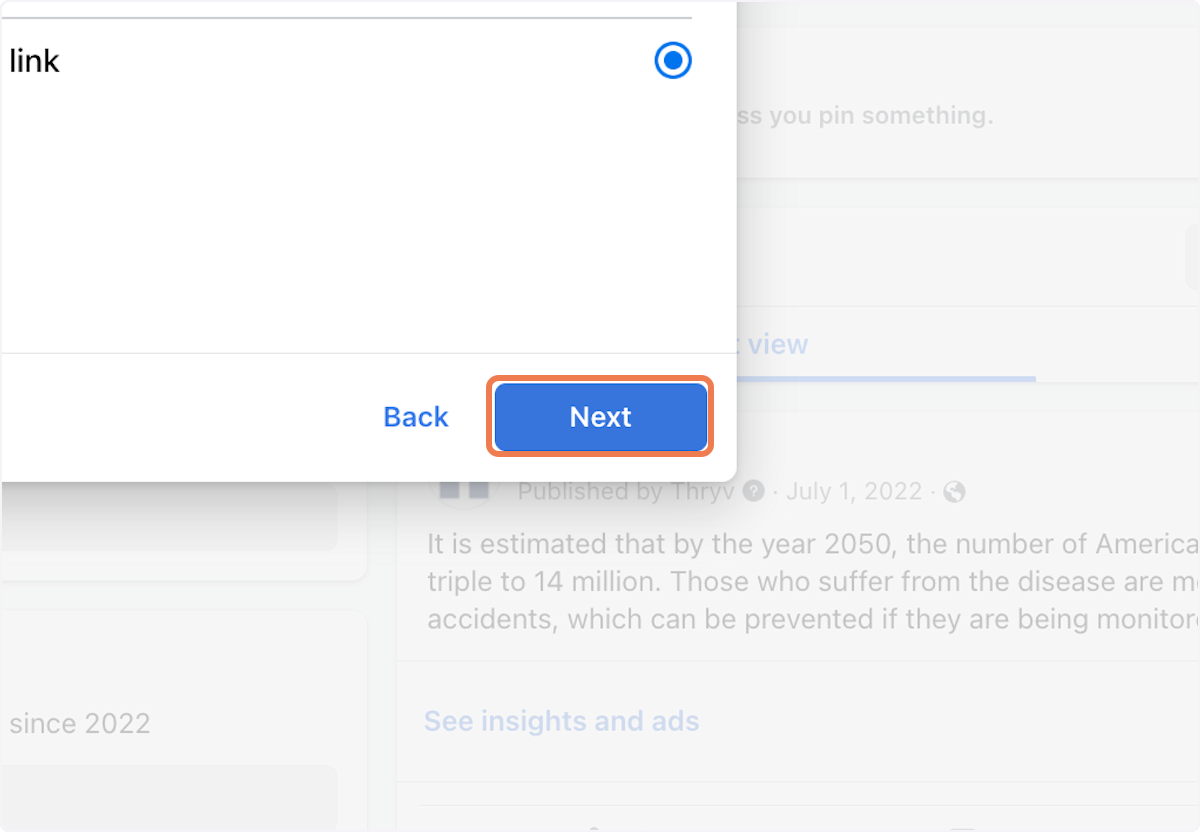
9. Click on Next
10. Paste the link copied from Thryv Business Center
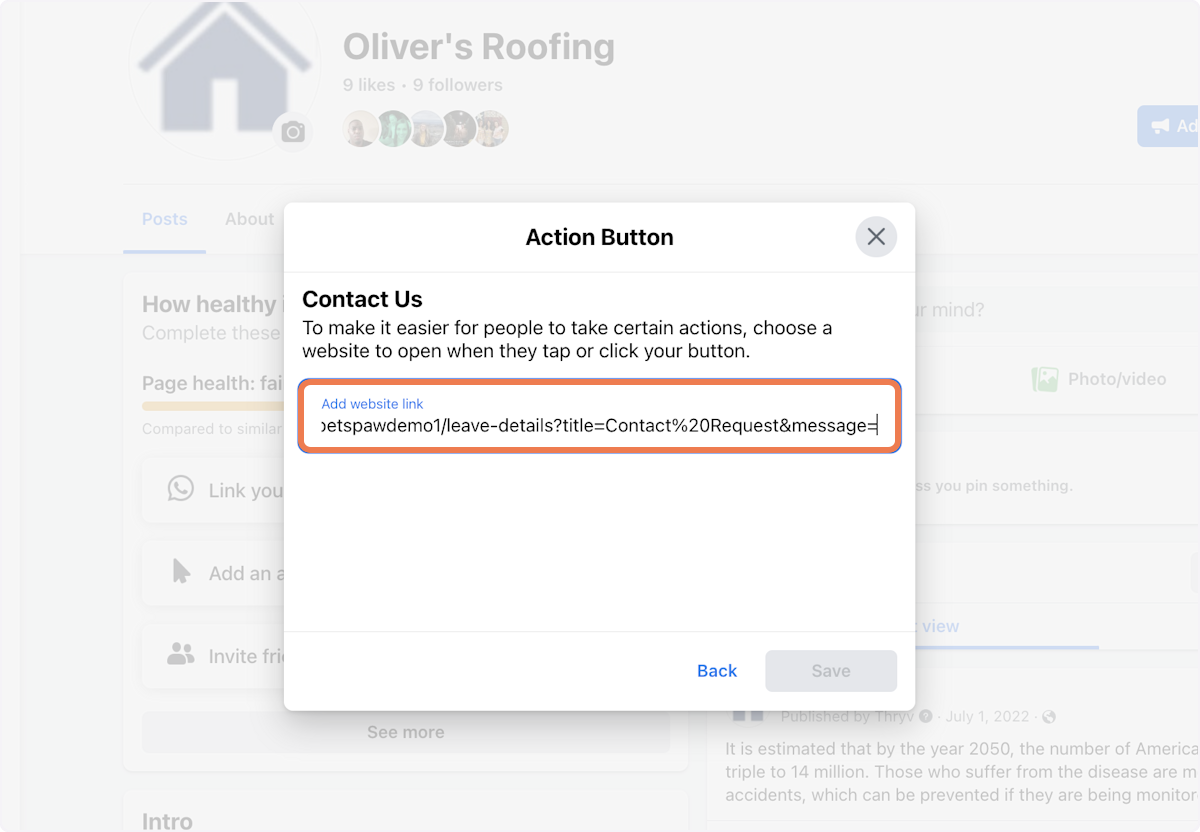
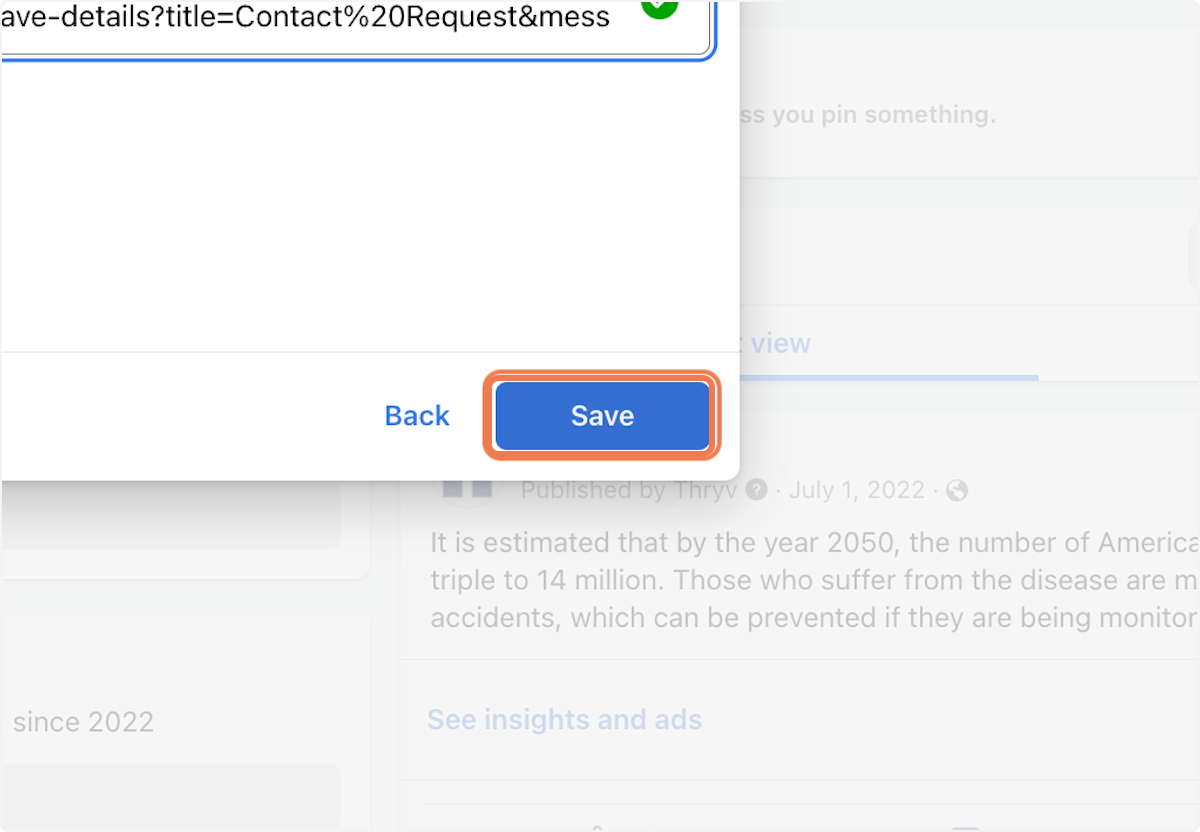
11. Click on Save. Your Thryv Business Center contact form will be integrated with your Facebook page
Comments
0 comments