
1. Click on Listings Management
2. Click on Google Profile
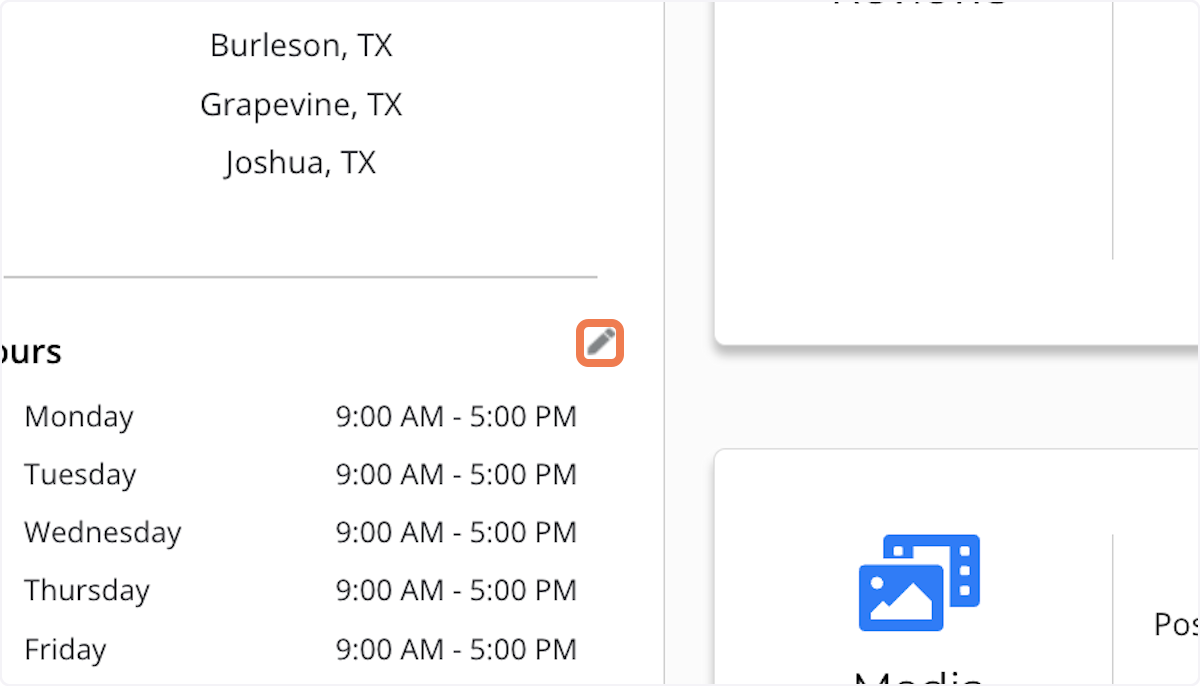
3. Click on the edit icon
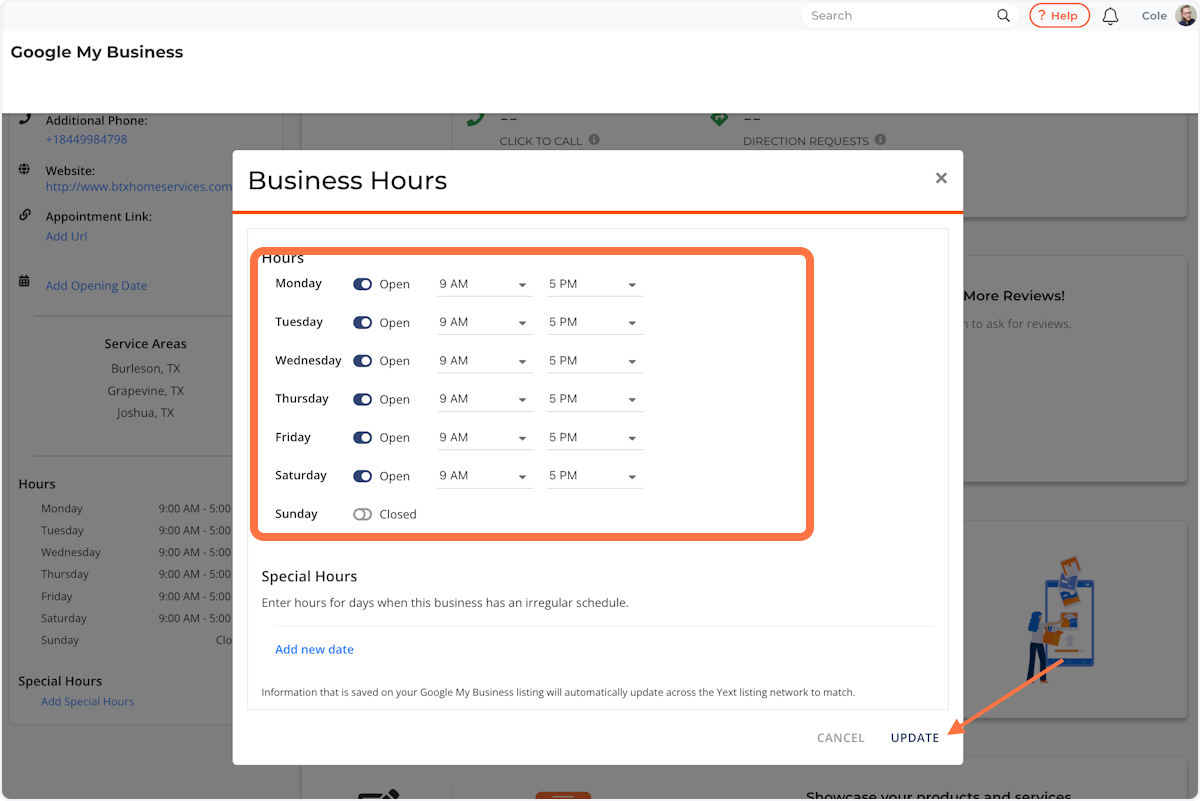
4. Update your business hours, then click 'Update'
Don't see your question here? Post it in our Support Forum. Log in with your Thryv credentials to submit your question and receive a response from our Product Team.
Comments
0 comments